
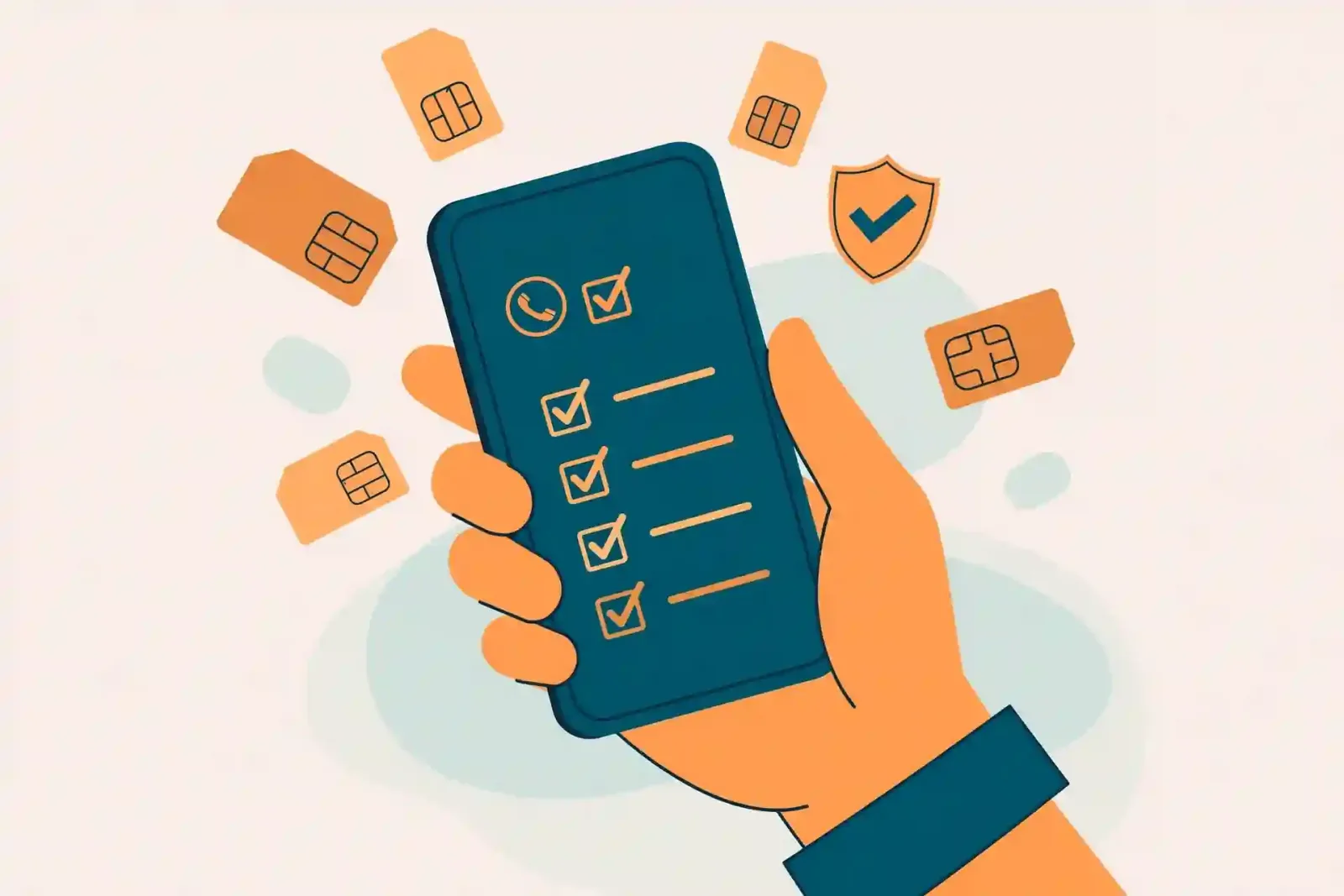
Every SIM card in Bangladesh is linked to a National ID, and that link can work against you.
A number registered in your name can receive bank messages, one-time passwords and official notices — so if someone has registered a SIM with your NID, you could be tied to calls and transactions you never made.
The good news is that checking takes about a minute. It costs nothing, works on any operator, and you do not need a smartphone or an app to do it.
Check your SIMs in one minute
Open the dialler on any phone and dial *16001#. When the menu asks, type the last four digits of your NID number and send.
You will get an SMS listing every mobile number registered under your NID, across all operators — Grameenphone, Robi, Banglalink, Airtel and Teletalk — not only the SIM you dialled from.
Read the list slowly and compare it with the numbers you actually own and use. If everything matches, you are done.
Do the check every few months, because a new SIM can appear on your NID at any time.
How many SIMs can one NID hold?
The limit is ten. The Bangladesh Telecommunication Regulatory Commission (BTRC) cut it from fifteen to ten in 2025, and operators began deactivating extra SIMs from 1 November 2025.
That means if ten SIMs are already registered under your NID, you cannot buy a new one until one is removed or transferred.
A further cut to five has been discussed, but it has been deferred, and ten remains the limit in force.
What to do if you find a number you do not recognise
Do not ignore it. Take your NID card to the customer care centre or service point of that operator and ask for the SIM to be deregistered. Keep any reference number they give you.
If the operator does not help, call the BTRC complaint hotline 100 on working days between 9am and 5pm.

The same visit also sorts out the opposite problem — a SIM you stopped using years ago is still eating up your quota, and removing it frees space for a new one.
Common mistakes to avoid
The first is only checking your own operator. The *16001# result covers every operator, so use it instead of guessing from one app or one customer care visit.
The second is trusting random websites and apps that promise a "SIM owner check" if you type in your full NID number. Use only the official *16001# code, your operator's own app, or a customer care centre.
Your full NID number should never be handed to a stranger or an unverified site.
The third is typing the wrong digits. Enter the last four digits of your NID — the same number on your card — and double-check them before you send.
One more check is worth doing while you are at it. BTRC's NEIR portal at neir.btrc.gov.bd lets you check whether a handset is properly registered, using its IMEI number. It is a separate check from the SIM list, but it takes the same kind of minute.
Quick answers
Is the check free? Yes — dialling *16001# and receiving the SMS costs nothing.
Can I check from someone else's phone? Yes. Dial the code from any phone and enter the last four digits of your own NID.
What if the SMS shows more SIMs than I own? Visit the operator's care centre with your NID and ask for the unknown numbers to be deregistered, then follow up until they are gone.
Can I see the list online? The USSD code is the official route for the full list. Some operator apps, such as MyGP for Grameenphone users, also show the SIMs on your NID.