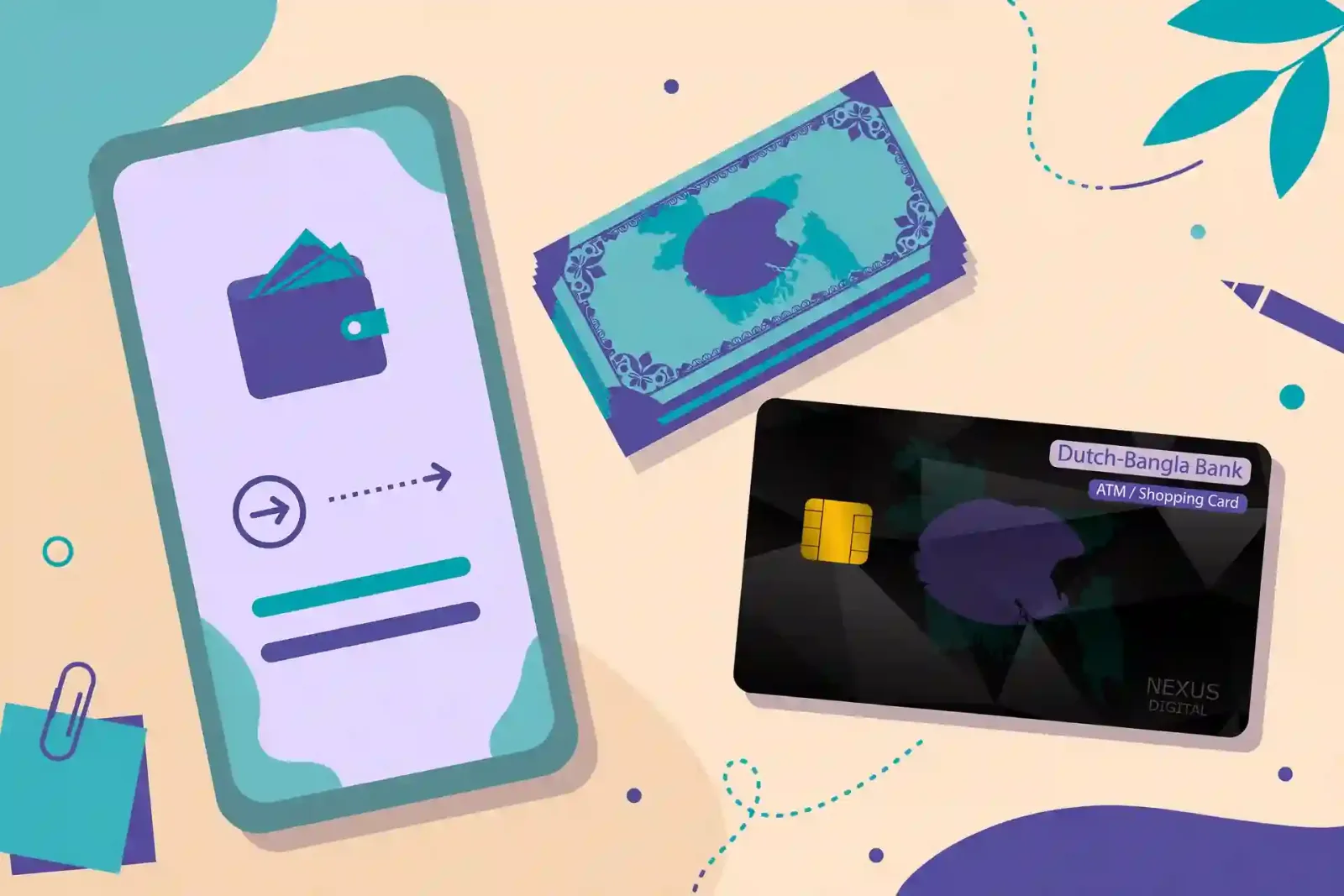
You do not need a bank account to use it, and you do not need a smartphone either. With a Rocket account you can receive money, send money to other Rocket users, top up your mobile, pay bills and take cash out from agents and DBBL ATMs across the country.
Opening one is free, and it usually takes only a few minutes once your documents are ready.
What you need before you start
You need an active mobile number that is not already registered with another Rocket account.
You also need your National Identity Card and a recent photo of yourself. If you open the account through the app, a selfie taken on the spot replaces the printed photo.
Keep your NID number handy, and think of a four-digit PIN you can remember but nobody else can guess. Never share this PIN with anyone, not even with someone who claims to be calling from the bank.
Opening a Rocket account through the app
Download the Rocket app from the Google Play Store or the Apple App Store and open it.
Choose your language, enter your mobile number, and follow the on-screen steps for digital KYC registration. The app will ask for your NID details and a selfie.
You will then set your four-digit PIN and confirm it with the verification code sent to your phone. Once the registration is accepted, your account is ready to use.
Opening a Rocket account by dialling *322#
If you use a basic phone, or your internet is unreliable, the USSD menu is the easier route.
Dial *322# from the mobile number you want to register. Choose the option to activate your account and set your four-digit PIN when asked.
You will get a confirmation message by SMS. After that, visit the nearest Rocket agent point, DBBL branch, Fast Track or mobile banking office with your NID and photo to complete the KYC and fully activate the account.
Opening a Rocket account at an agent point
Walk into any authorised Rocket agent point with your NID and a photo.
The agent will fill in your details and register the account for you. You can also do this at a DBBL branch, a Fast Track outlet or a mobile banking office.
There is no charge for opening the account. If anyone asks for a fee to open it, walk away and report the matter to the Rocket helpline at 16216.
Using your Rocket account every day
Cashing in is free for a general account. Hand your cash to an agent or deposit it at a DBBL branch or Fast Track, and the money appears in your Rocket account.
Sending money to another Rocket account of the same product is free. Just open the send-money option, enter the receiver's number, check the name shown on screen, then enter the amount and your PIN.
Cashing out costs money, so choose your route carefully. At an agent it costs Tk 18 per Tk 1,000, while at a DBBL ATM or Fast Track it costs Tk 9 per Tk 1,000.
You can also top up any mobile number, pay utility bills, pay at merchant points and receive money sent from abroad into your Rocket account.
Charges and limits at a glance
A Rocket account can hold up to Tk 3,00,000 at any time.
Cash-in is free, up to Tk 30,000 a day and Tk 2,00,000 a month. Cash-out is capped at Tk 25,000 a day and Tk 1,50,000 a month, with Tk 20,000 the most you can take from an ATM in one go.
Send money is free between same-product accounts, up to Tk 25,000 a day and Tk 2,00,000 a month. Moving money from Rocket to a DBBL core banking account costs 0.9 percent, while the reverse direction is free.
Charges and limits do change from time to time, so check DBBL's own Rocket pages before a large transaction.
Common mistakes to avoid
Never share your PIN or the verification code that arrives by SMS. No bank officer will ever ask for them.
Always check the receiver's name on screen before confirming a send-money transaction. Money sent to the wrong number is very hard to get back.
Do not keep large sums in your mobile wallet for long. If the amount is big, move it to a bank account or withdraw it promptly.
If your phone is lost or stolen, call 16216 immediately and ask them to block the account. You can also visit a DBBL branch or mobile banking office for help.
Frequently asked questions
Do I need a Dutch-Bangla Bank account to open Rocket? No, a Rocket account works on its own, though linking a DBBL account makes transfers between the two easier.
Is there any charge for opening a Rocket account? No, account opening is completely free.
Can I use Rocket without a smartphone? Yes, dial *322# from any phone to reach the full menu.
What if I forget my PIN? Call the helpline at 16216 or visit a DBBL branch or mobile banking office to reset it.