
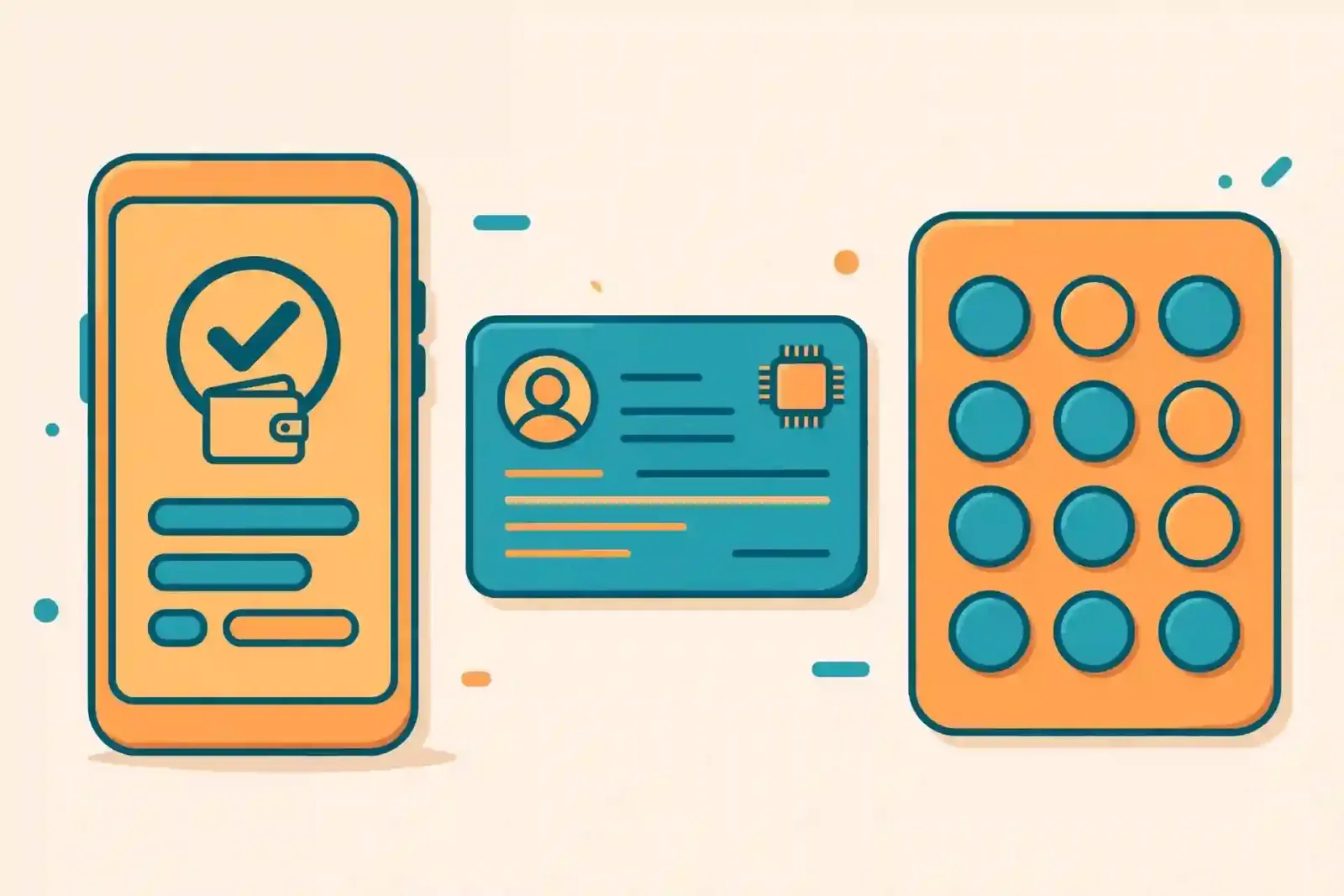
If you are wondering how to open a Nagad account, the good news is that registration is free and usually takes only a few minutes. Nagad is the mobile financial service of the Bangladesh Post Office, regulated by Bangladesh Bank, and your account number is simply your registered mobile number. You can sign up through the Nagad app, by dialling a USSD code on any phone, or with help at an agent point near you.
What you need before you start
Keep three things ready: an active mobile SIM on any operator, your national identity (NID) card, and a phone. For the app route you will need a smartphone with internet access. For the dialling route, even a basic feature phone works. One NID can be used for only one personal Nagad account, so if you already registered with the same NID, you will not be able to open a second personal account.
Option 1: How to open a Nagad account with the app
This is the most complete method because the app gives you every feature from day one.
1. Download the Nagad app from Google Play or the App Store.
2. Open the app and enter your mobile number, then select your operator if asked.
3. Choose your NID type and take clear photos of both sides of the card. Avoid glare and make sure every letter is readable.
4. Take a selfie when prompted. The app matches your face with the photo on your NID, so use good light and look straight at the camera.
5. Read and accept the terms and conditions.
6. Add your digital signature.
7. Set a four-digit PIN and confirm it. This PIN will be needed to log in and to approve every transaction.
8. Enter the one-time password (OTP) sent to your number if the app asks for it.
Once the verification is complete, your account becomes active right away.
Option 2: Open an account by dialling *167#
If you do not have a smartphone, you can still register from a basic handset. Dial *167# from the SIM you want to use as your account number, then set a four-digit PIN and enter it again to confirm. Because mobile operators already hold the NID information linked to your SIM registration, your details can be verified against the NID database during this process, with your consent. This route is quick and needs no internet connection.
Option 3: Register at a Nagad Uddokta point
If self-registration feels difficult, visit any Nagad Uddokta (agent) point with your NID card and mobile phone. The agent will complete the electronic know-your-customer (eKYC) registration for you, and you will receive a confirmation SMS. Agent points are also the best fallback if the app keeps rejecting your NID photos or selfie.
Setting a safe PIN
Your four-digit PIN is the key to your money, so treat it carefully. Avoid obvious choices such as your birth year, 1234, or repeated digits. Never share your PIN or OTP with anyone — Nagad staff will never ask for them over the phone. If you ever suspect your PIN has been seen by someone else, change it immediately from the app or the *167# menu.
What you can do after opening the account
A new account can be used straight away for sending money to another Nagad user, cashing in and cashing out through agent points, mobile recharge, utility bill payments, and receiving remittance. You can check your balance and send money either in the app or through the *167# menu, which works without internet on basic phones.
Common problems and quick fixes
The most common hiccup is failed NID verification. It usually happens when the card photos are blurry or the selfie does not match the NID photo. Retake the photos in bright, even light, hold the phone steady, and make sure your face is clearly visible. If it still fails after a couple of tries, finish the registration at an agent point instead of struggling with the camera. If you forget your PIN, use the PIN reset option in the app or call the Nagad helpline on 16167 from inside Bangladesh (096 096 16167 from abroad).
Frequently asked questions
Is opening a Nagad account free? Yes, registration itself costs nothing.
Can I open an account without a smartphone? Yes. Dial *167# from any mobile phone and set your PIN.
Can I have two personal accounts with one NID? No. One NID supports one personal Nagad account.
What is my account number? Your registered mobile number is your account number.
With your NID, an active SIM, and a few minutes of your time, learning how to open a Nagad account is genuinely simple — pick the method that suits your phone, set a PIN only you know, and you are ready to send, receive, and pay from your pocket.